
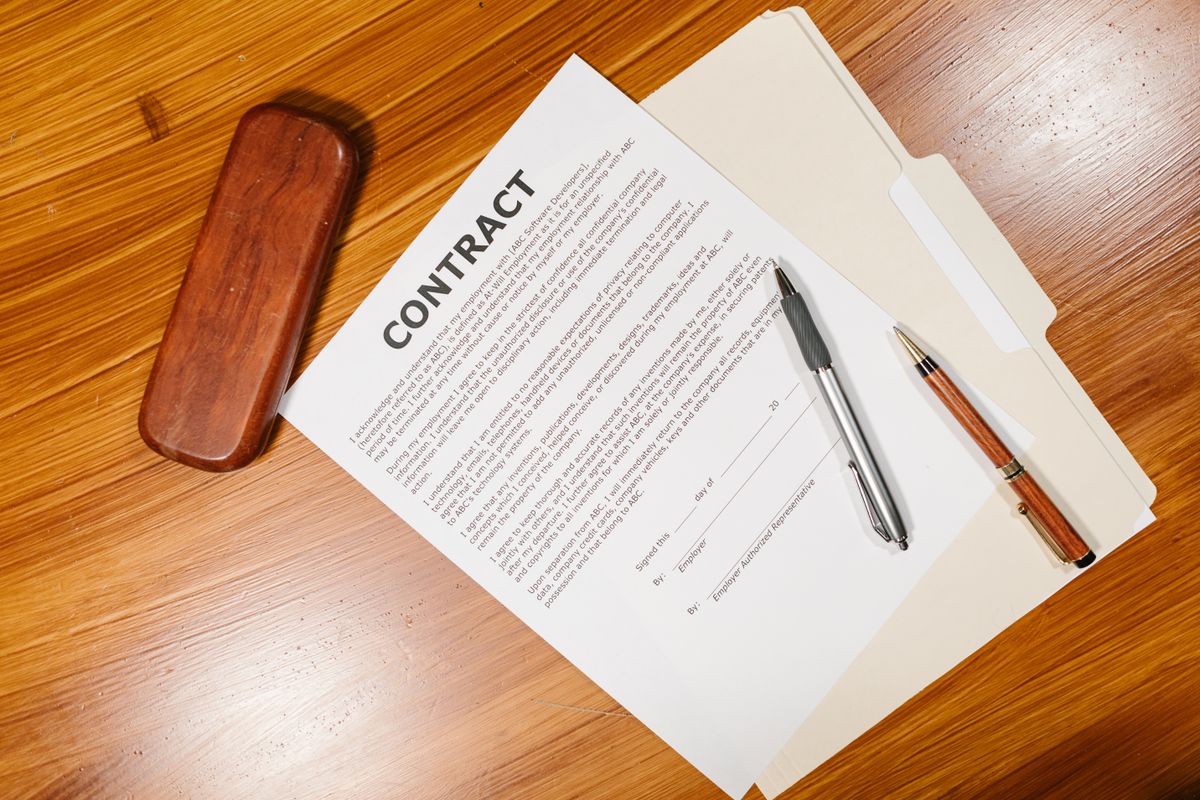
A home warranty contract can run twenty pages, and the clauses that decide your claim are rarely on page one. Paste the text of your contract below and this free decoder highlights twelve clauses to check: arbitration, waiting periods, limits, pre-existing conditions, cancellation and more. It runs in your browser, so we never receive what you paste.
Home Warranty Contract Decoder
What the Decoder Looks For
The decoder scans your text for twelve topics. For each one it shows the matching lines, the numbers in them, a plain explanation and a question to ask the company.
- Arbitration and court rights: who decides a dispute.
- Waiting period: when coverage really starts.
- Limit per item and yearly cap: the most the plan pays. See our home warranty cost guide for context.
- Pre-existing conditions: read our pre-existing condition guide next.
- Cancelling and refunds: see how to cancel a home warranty.
- Service fee, renewal, technician choice, reporting deadlines, payout method and maintenance exclusions.
Why These Twelve Clauses Matter
When we score a company, we read the agreement and look for the same points every time. The wording differs from one home warranty contract to the next, and so do the numbers. In the agreements we read, per-item limits ranged from 2,000 to 5,000 dollars, waiting periods ranged from none to 30 days, and cancellation terms ranged from a simple pro rata refund to a fee plus deductions.
That spread is why a price comparison is not enough. Two plans with a similar monthly price can pay very different amounts on the same repair. The decoder turns a long document into a short list of lines to read, so you can compare your own home warranty contract with the others before you pay.
Run the decoder on a sample agreement from each company you are considering, and put the results side by side. Pay the most attention to the topics marked as found, and to any topic that is missing from a contract you were about to sign. A missing topic is a question to ask the company in writing.
Before You Sign: A Quick Routine
First, get the full agreement, not only the sales summary. Second, run it through the decoder and copy the summary. Third, check the company profile on the Better Business Bureau website, since the grade and the complaint history are public. Finally, send your questions by email so the answers are on record.
How to Get the Text of Your Contract
Open your contract PDF, select all, copy, and paste it into the box. Many companies also publish a sample agreement on their website. If the PDF is a scan of paper, the text may not copy, and you will need to type the key sections.
What This Tool Cannot Do
The decoder matches keywords and does not understand context. It can miss a clause worded in an unusual way, and it cannot tell you whether a clause is fair or legal in your state. Treat it as a checklist that points you to the right paragraphs, then read those paragraphs yourself. It is not legal advice.
See How Real Contracts Compare
We read the actual agreements of ten companies and scored them. Start with our best home warranty companies comparison, the Old Republic review, or how we calculate each score. If a claim was already denied, use our free appeal letter generator.
Home Warranty Contract Decoder FAQ
Is my contract text stored or sent anywhere?
No. The decoder runs in your browser and we do not receive the text you paste.
Which clauses should I check first?
Start with the limit per item, the pre-existing condition exclusion, the waiting period and the cancellation terms. These decide most claims.
Can this tool tell me if my contract is good?
No. It points to the clauses and explains them. Compare the numbers with other contracts before you decide.
What if a topic says not found?
The clause may be in a different part of the contract or worded differently. Paste more of the text or read the full document.